
 Technology: Microsoft Fabric
Retail: demand forecasting per store and SKU on one platform
An omnichannel chain builds demand forecasting per store and SKU with Spark notebooks and MLflow on the same Gold layer as BI reporting, without a separate ML platform.
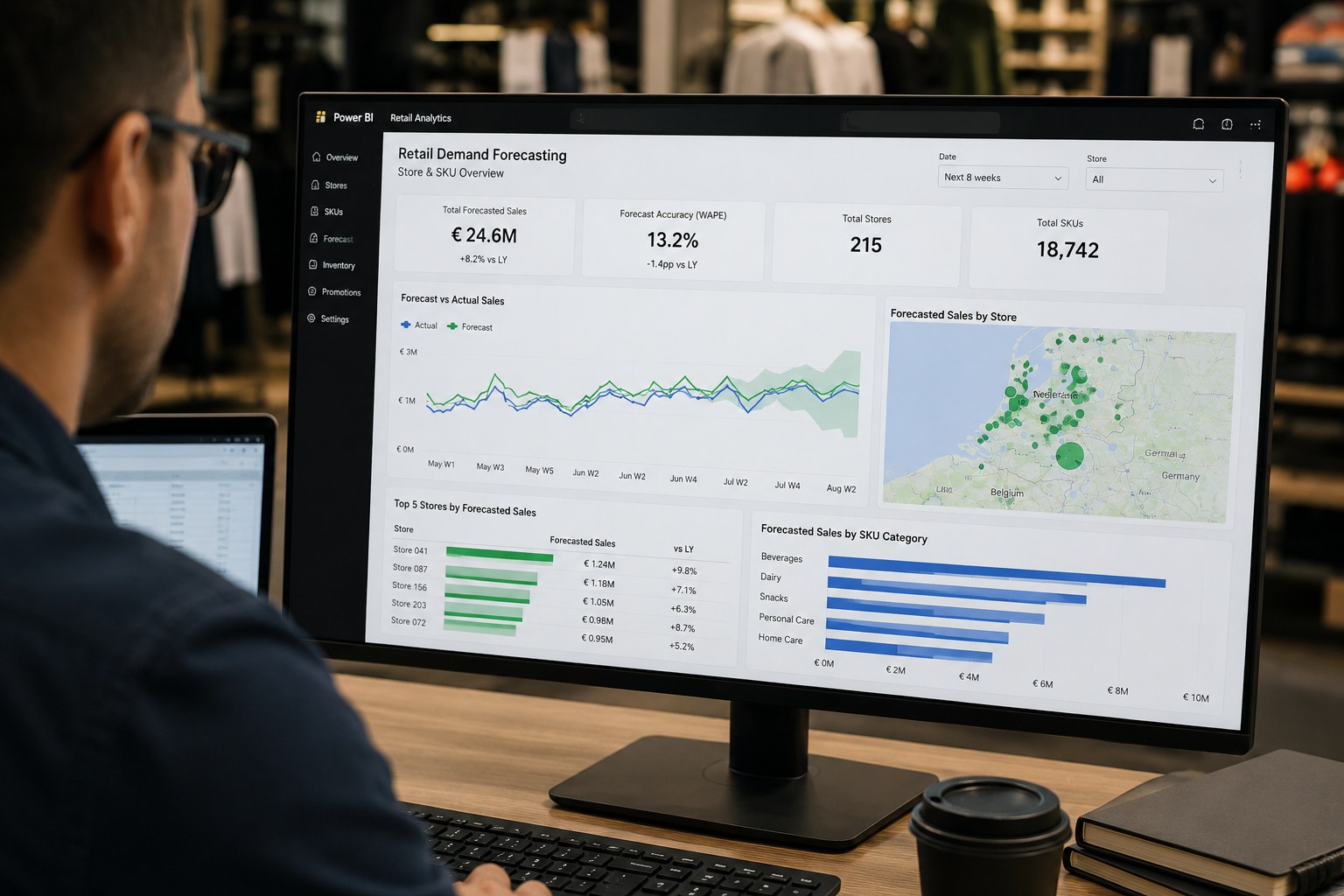
Business challenge
A retail chain with two hundred-plus stores and a web shop steered inventory and promotions per silo: every store, every channel, its own assumptions. There was no demand forecasting at SKU level, so shrinkage and lost sales were noticed after the fact instead of prevented ahead of time.
Architecture
POS data, e-commerce orders and ERP inventory land via batch ingestion in Bronze on OneLake. Spark notebooks conform and enrich the data in Silver; the same notebooks train demand forecasting models per store and SKU, with MLflow for experiment tracking and model registration. Forecasts land as Gold tables alongside the regular sales aggregates, so a single Direct Lake semantic model exposes both historical sales and forecast. AI Functions classifies text reviews and service tickets as an extra signal for the forecasting models.
Why this choice
The point was not "build an ML model", that can be done anywhere. The point was running feature engineering and serving on the same data as the existing BI reporting, without dragging a separate copy to a separate ML platform. Because the Lakehouse and semantic model share the same Delta tables, a forecast is never more than one Gold table away from the dashboard a category manager already works in.
Alternatives
A separate ML platform (Azure Machine Learning next to the existing BI stack, for example) gives more control over MLOps maturity, but adds a data copy and a second promotion model. For this team, with a strong Spark profile and an existing Fabric investment, that extra complexity did not outweigh the gain.
Trade-offs
- ML models and notebooks do not fit neatly into the same promotion model as BI items; a separate MLflow-driven promotion was needed.
- Peak load around holidays requires temporary capacity scale-up; permanently overprovisioning was more expensive than planning ahead.
- Batch training outside office hours prevents training jobs from slowing down interactive reporting.
Microsoft products
Microsoft Fabric (Lakehouse, Data Factory, Spark Notebooks, Data Science with MLflow, AI Functions), OneLake, Power BI with Direct Lake.
Best practices
- Keep model promotion (MLflow registry) separate from BI promotion (Deployment Pipelines); they follow a different lifecycle.
- Train outside the interactive peak and rely on capacity smoothing, not permanent overprovisioning, to absorb holiday peaks.
- Treat forecasts as an ordinary Gold table, not a separate black box, so BI developers can combine them with sales figures just as easily.
Lessons learned
Eighty percent of the forecast quality came not from the model but from the features: adding promotions, holidays and local events as inputs gave more gain than three rounds of model tuning. The first version of the pipeline also re-registered models on every run, which bloated the MLflow registry into unusability; version control with explicit promotion to a "production" stage fixed that.
Architecture at a glance
Click a component for details
POS, e-commerce, ERP
Sales and inventory data lands via batch ingestion in Bronze.
Forecasts land as an ordinary Gold table alongside the sales aggregates, no separate black box.
Related content
Related how-tos
Related best practices