
 Technology: Microsoft 365 Copilot
Retail: supporting store staff with Copilot agents
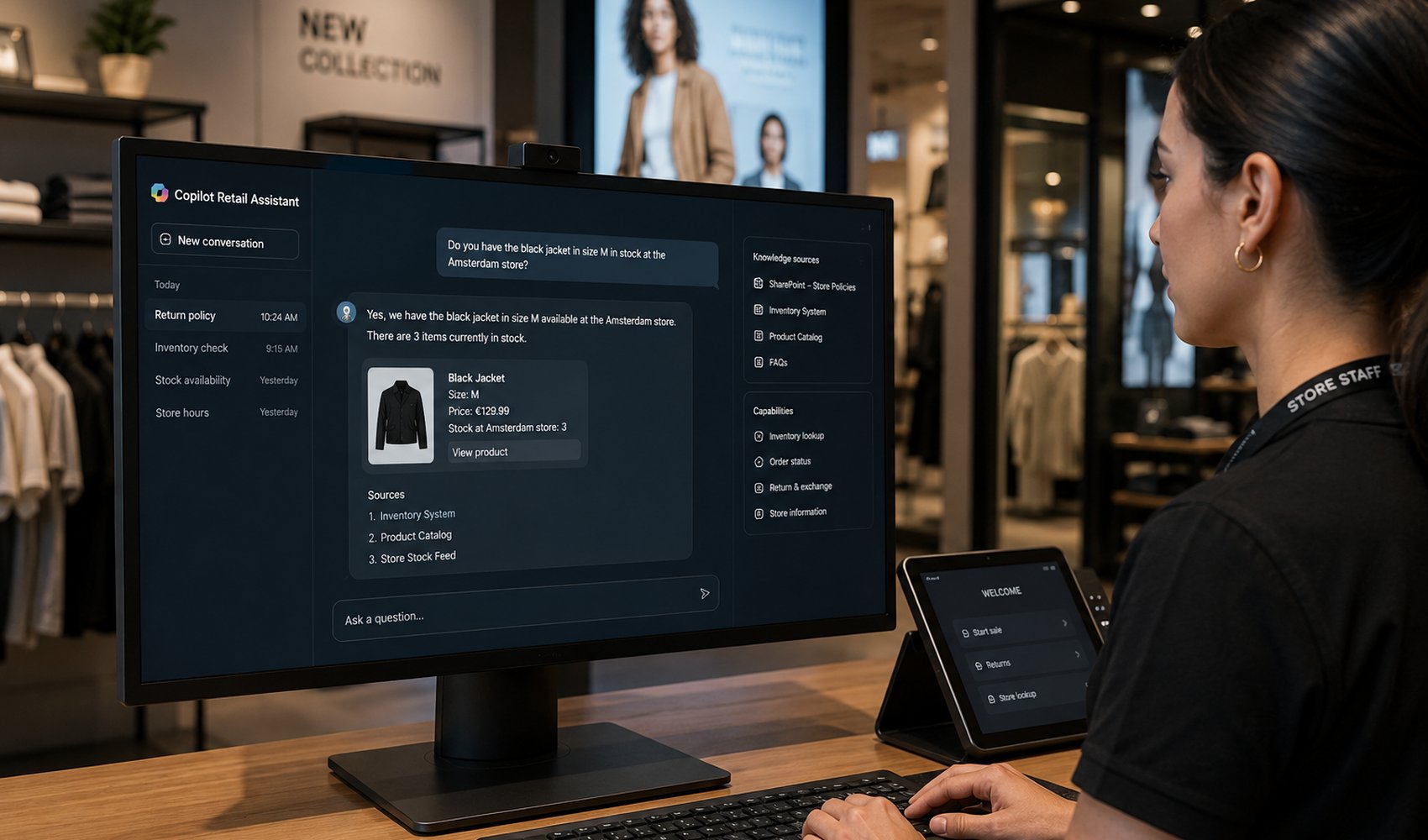
A retail chain builds an agent in Copilot Studio that answers inventory, scheduling and HR questions, grounded on Microsoft Graph and business systems.
Business challenge
Store staff at a chain with 140 branches asked the same questions over and over to head office and branch managers: is this item still available, how do I swap a shift, what is the returns procedure? Answers were spread across SharePoint, the WMS and the HR system. The service desk was drowning in repeat questions.
Architecture
An agent built in Copilot Studio, available in Teams on the handheld terminals. Knowledge sources: SharePoint (procedures) via the semantic index, the inventory system via a custom connector, and HR self-service via Power Automate flows. High-risk topics (pay, contracts) deliberately refer to a human instead of answering themselves. Everything runs within the existing Microsoft 365 tenant with Entra ID and DLP policy.
Why this choice
Ninety percent of the questions could be answered from existing sources within the tenant, exactly where Microsoft 365 Copilot and the semantic index are strong. Copilot Studio made it possible to decide per topic: answer directly, start a flow, or refer. That control per topic is the real governance instrument.
Alternatives
A custom Foundry agent gave more freedom in model choice and orchestration, but required a development team that was not there; the retailer has a strong Power Platform team. Rolling out just "bare" Microsoft 365 Copilot was too unfocused: staff do not search for documents, they want one concrete answer.
Trade-offs
- Answers are only as good as the SharePoint content; outdated procedures gave wrong advice until document owners were assigned.
- The custom connector to the WMS means maintenance on every API change from the vendor.
- Per-user license cost forced a phased rollout: branch managers first, then all staff.
Microsoft products
Microsoft 365 Copilot, Copilot Studio, Microsoft Graph and semantic index, Power Automate, Microsoft Purview (DLP and auditing), Entra ID.
Best practices
- Start with the ten most frequent questions from service desk tickets; that is your test set.
- Have the agent refer when in doubt, a wrong HR answer costs more trust than ten good answers build.
- Set up analytics on unanswered questions from day one; that is your backlog.
Lessons learned
The biggest risks were not in the technology but in the content. After three months the agent turned out to be mostly a merciless audit of outdated procedures on SharePoint. Cleaning that up delivered value beyond the agent too.
Architecture at a glance
Click a component for details
SharePoint
Procedures via the semantic index; answers are only as good as the SharePoint content.
Per topic the team decides: answer directly, start a flow or hand off. All within the Microsoft 365 tenant with Entra ID and DLP.
Related content
Related how-tos
Related best practices